Case Study
Swoop.
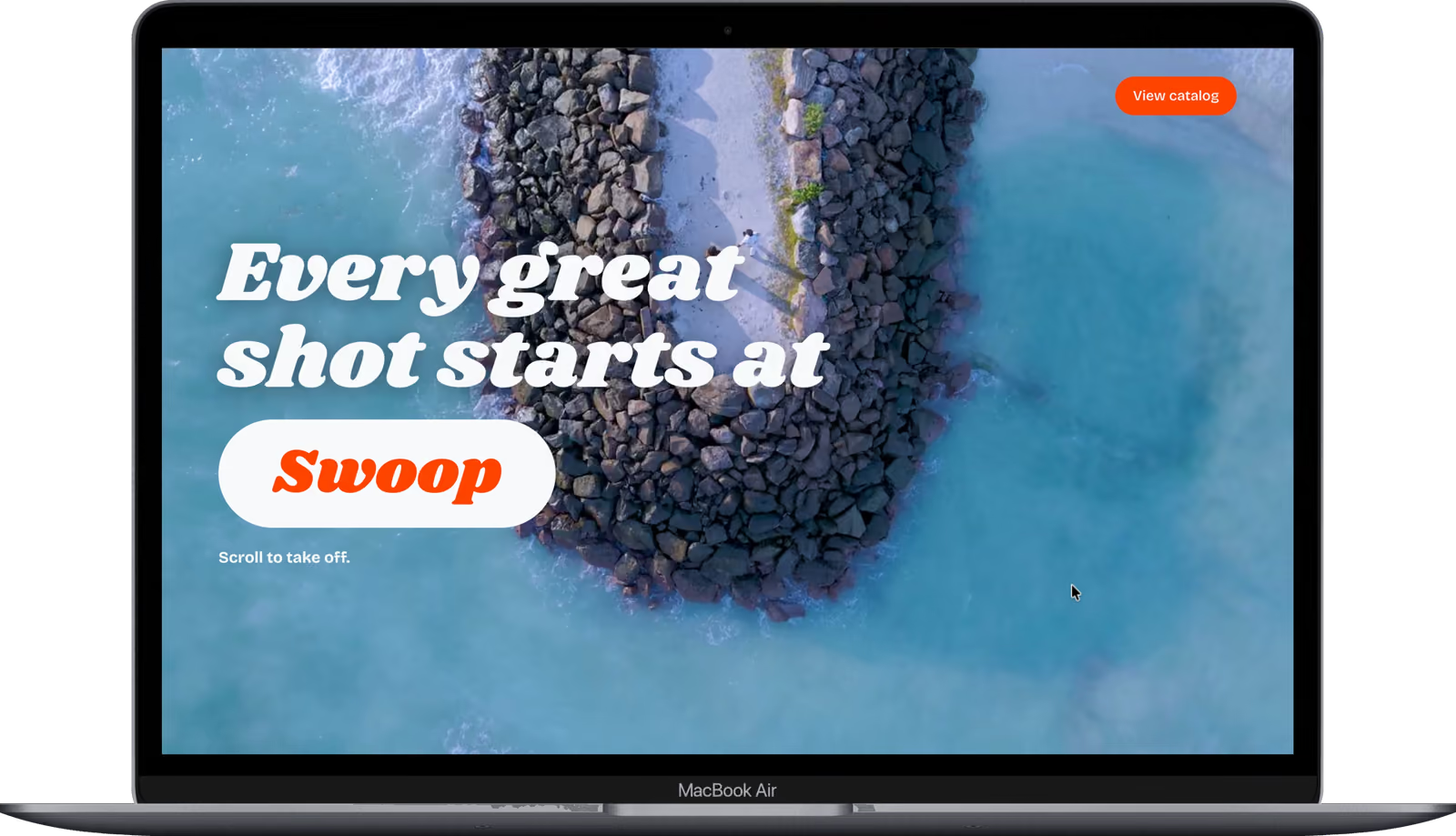
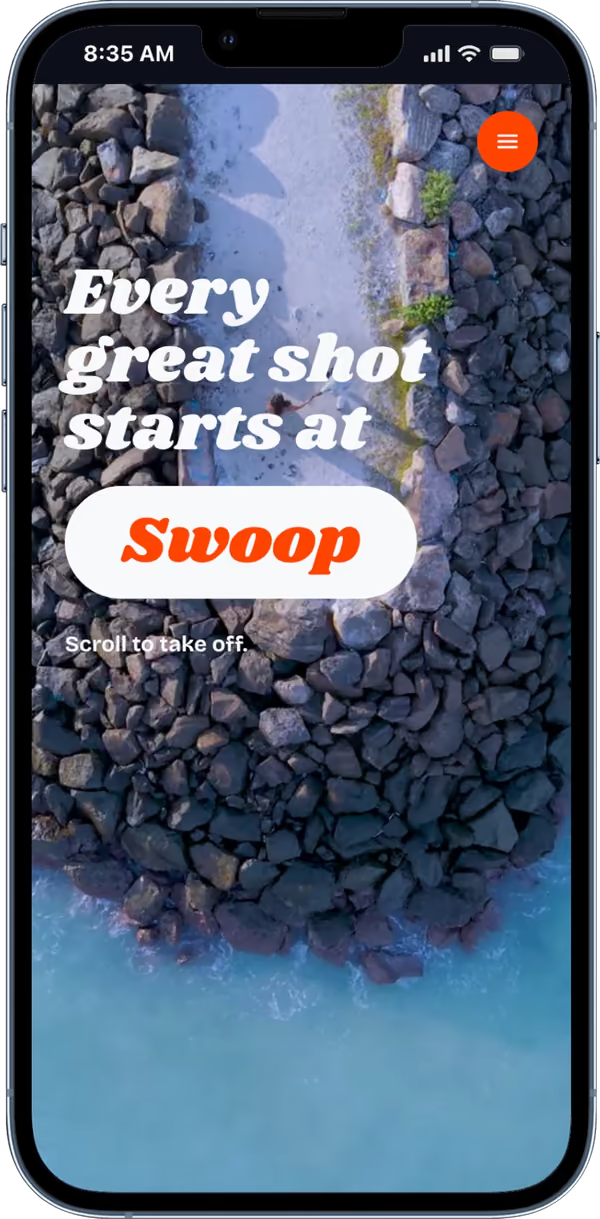
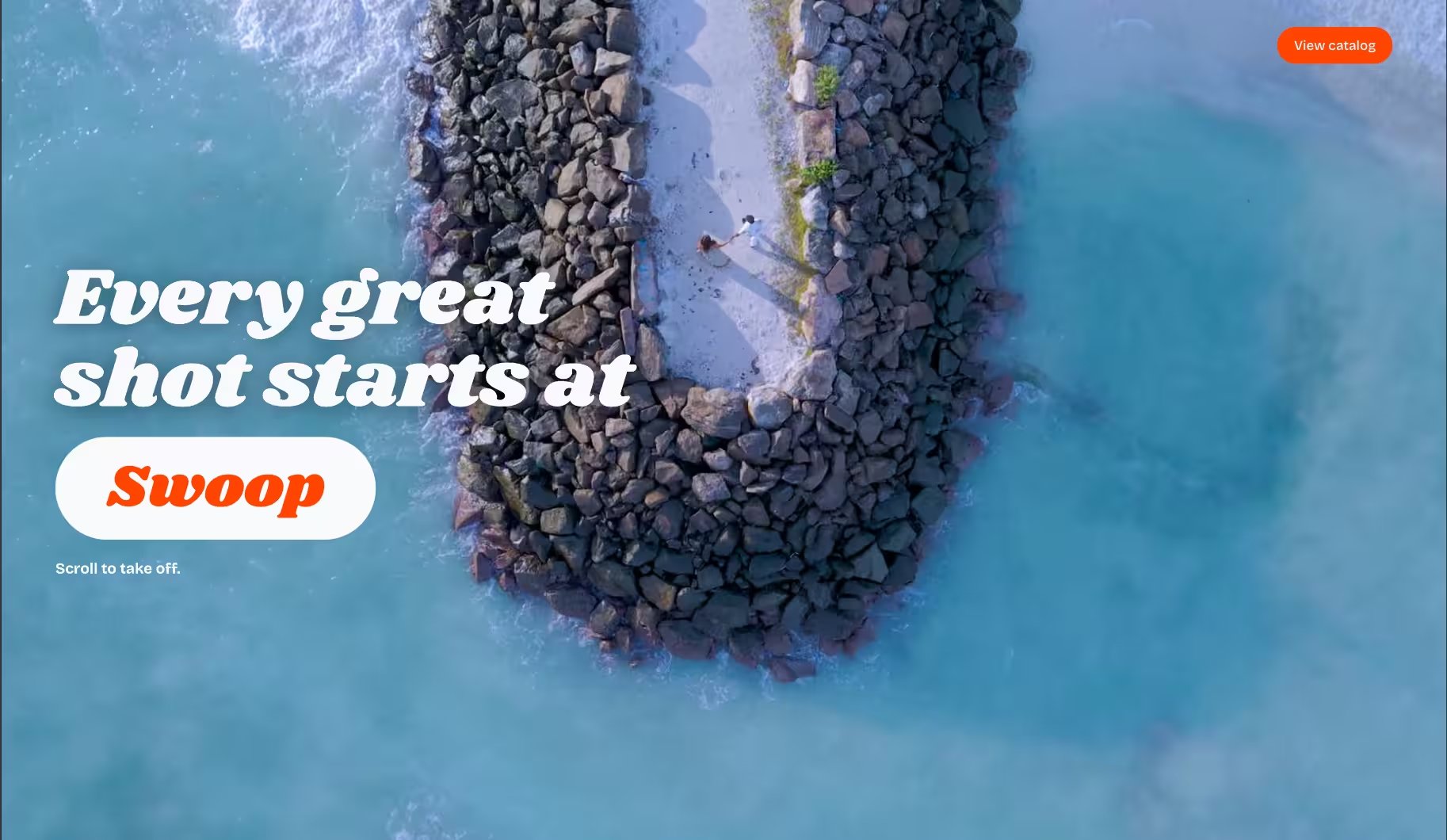
A camera drone store where scrolling flies you through five aerial videos.

The challenge
Scroll-scrubbed video sounds simple until you build it. Browsers can't seek a video frame-accurately on every scroll tick, so playback stutters, and reversing direction makes it worse.
Swapping video for images fixes the seeking, but five 1080p clips are hundreds of frames. Loading and decoding all of them would blow past a phone's memory and take ages on mobile data. The page had to feel like flying, in both scroll directions, without that cost.
How it works
Every frame you see takes this path, from source footage to the screen:
Key decisions
- 01
Turn the videos into image sequences
A build script pipes each clip through ffmpeg into sharp and encodes every frame as AVIF, at around 90 KB per 1080p frame. It also writes a second, 9:16 centre-cropped set for phones, so mobile never downloads pixels it can't show.
- 02
Only decode what's near the scroll position
A custom scheduler streams frames in the background, six requests at a time, but only decodes full-resolution frames inside a window around where you are: 40 ahead and 16 behind, flipping with scroll direction. Frames that leave the window are released. Every fourth frame also gets a small preview, so a fast fling always has something to draw while full frames catch up.
- 03
Whip-blur transitions on one canvas
Clips join with a whip pan instead of a cut. The outgoing frame is drawn eight times with growing offsets and fading opacity to fake motion blur while the next clip slides in, all on a single canvas with no video elements.
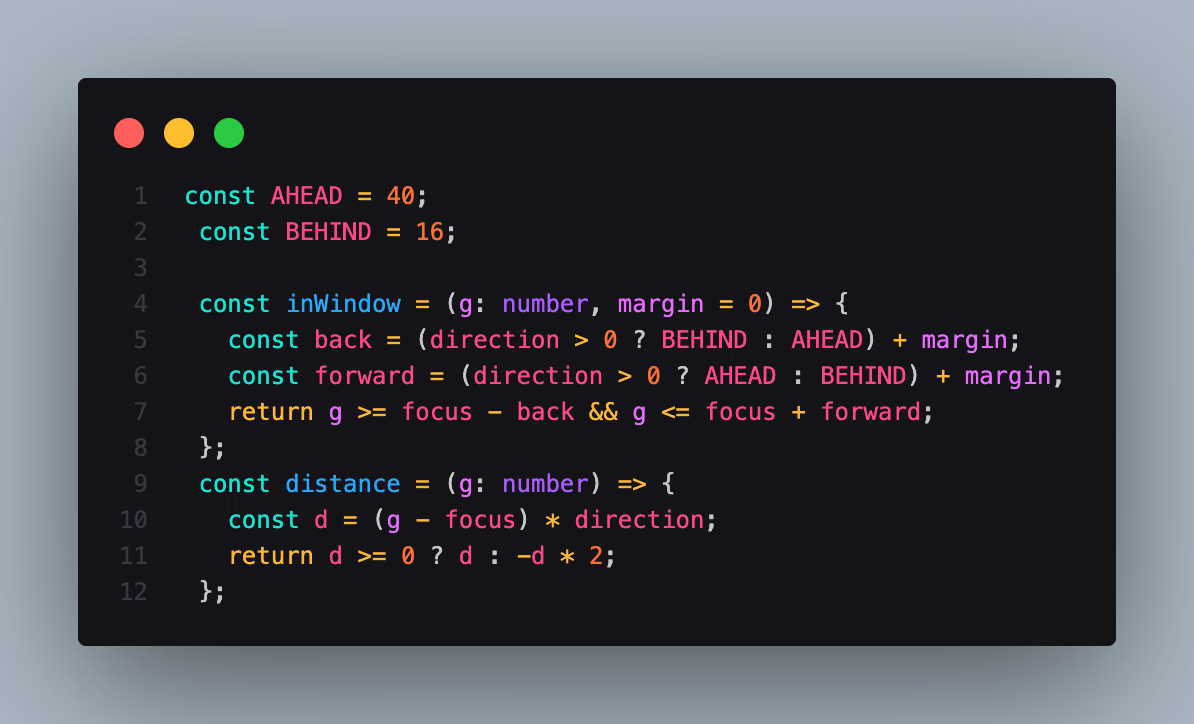
Decision 02, in code
lib/frameScheduler.ts
- Lines 1–2
How far the window reaches: 40 frames ahead of you, 16 behind.
- Lines 4–8
inWindow flips the window when you scroll back up, so the frames you're heading towards are always the ones ready.
- Lines 9–12
distance ranks frames for loading. Frames behind you count double, so whatever comes next always loads first.
Results
- 459frames scrubbed by scroll across 5 clips
- 90 KBaverage per 1080p AVIF frame
- 56frame decode window, so memory stays capped
- 9:16lighter frame set served to phones
Screens