Case Study
Rick's Closet.
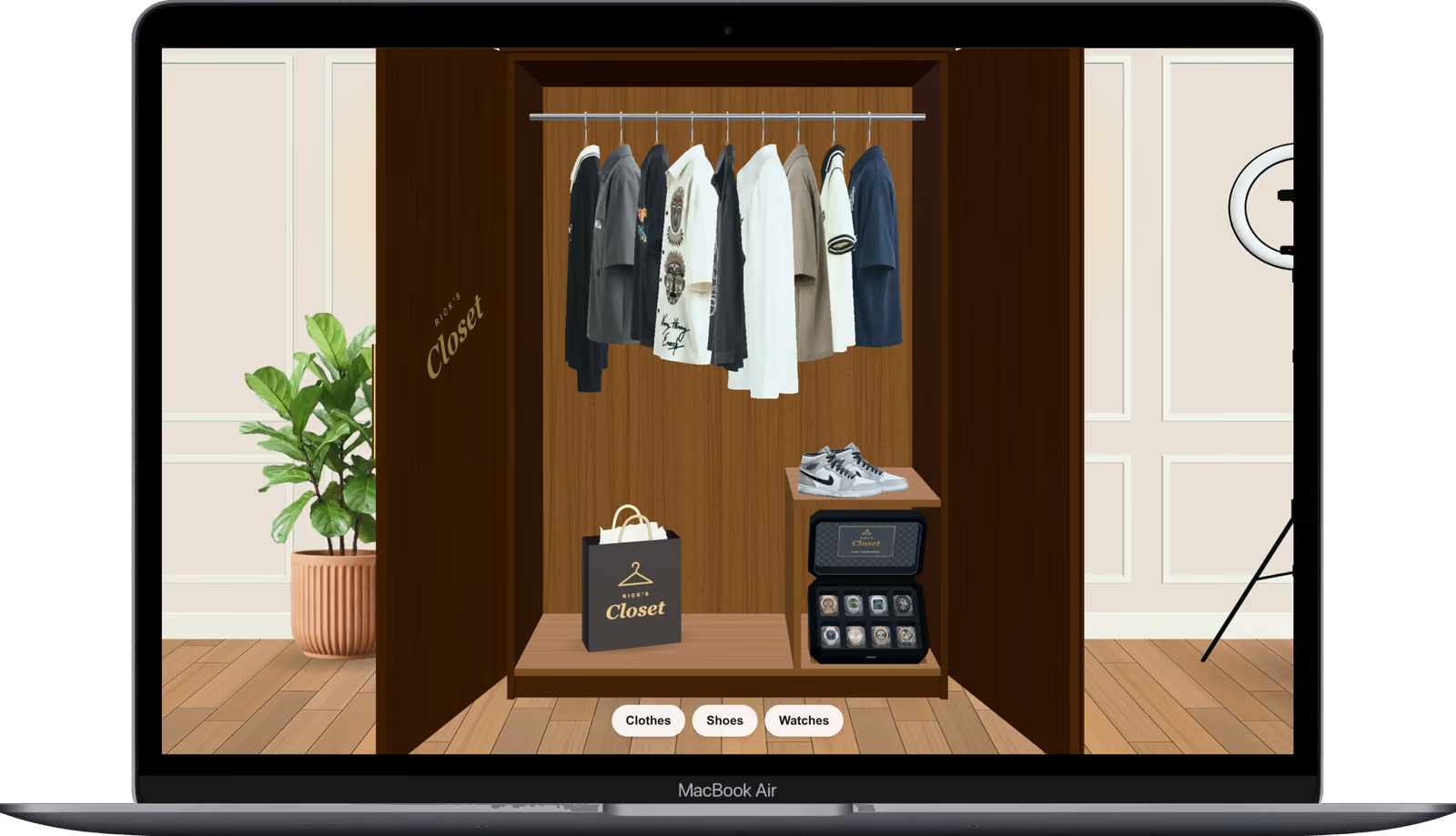
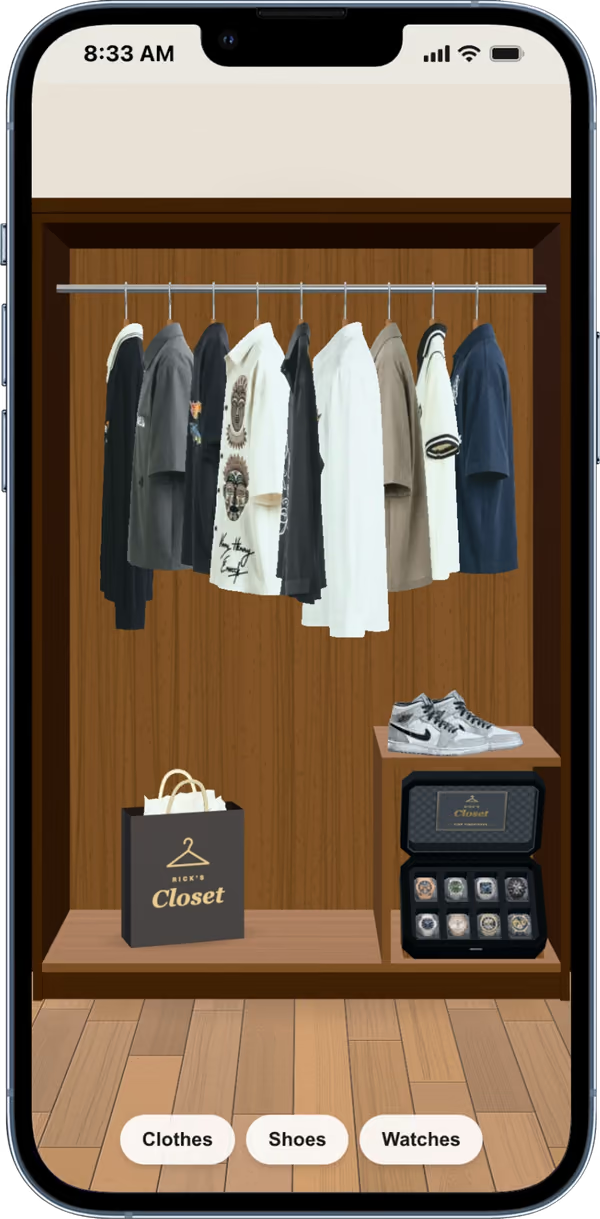
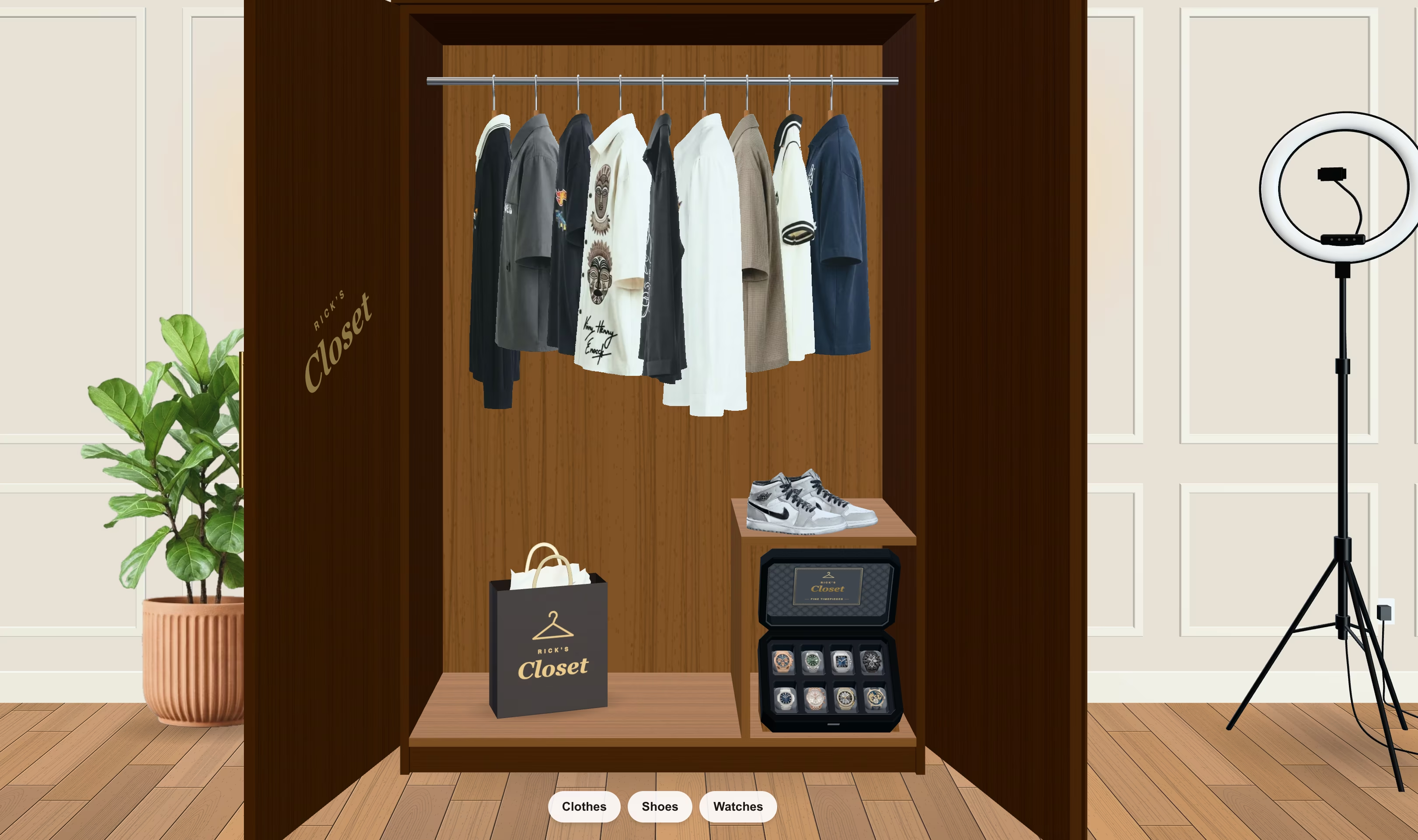
A 3D clothing store where you walk into a wardrobe and the shirts move like fabric.
The challenge
Online clothes shopping is a grid of flat photos. I wanted browsing to feel like flicking through a real rail: walk into a wardrobe, slide garments along, and watch them sway when you touch them.
Real cloth physics means hundreds of points per garment, updated many times a second, on top of a full 3D scene with lighting and shadows. Doing that on the main thread would stall every interaction, and most everyday phones don't have memory to spare.
How it works
How a product photo becomes a shirt you can push around:
Key decisions
- 01
Turn product photos into cloth
Each garment starts as a photo. A prep script strips the hanger and fits it to a fixed canvas, then in the browser a 64×80 alpha mask shapes a grid of points held together by stretch, shear and bend constraints. Only the garments near the centre of the rail are simulated, at most three at a time.
- 02
Run the physics off the main thread
The simulation lives in a web worker, stepping at 120 Hz with six constraint passes. Each frame the main thread sends the pointer and hanger positions and gets the cloth back, so dragging the rail never waits on the physics.
- 03
A lite mode for low-memory phones
Phones that report 4 GB of memory or less get a lighter scene: the render resolution caps at 1.5×, and bump maps, sheen and clearcoat are stripped from every fabric. Each room is its own route, and the next room's assets preload at low priority.
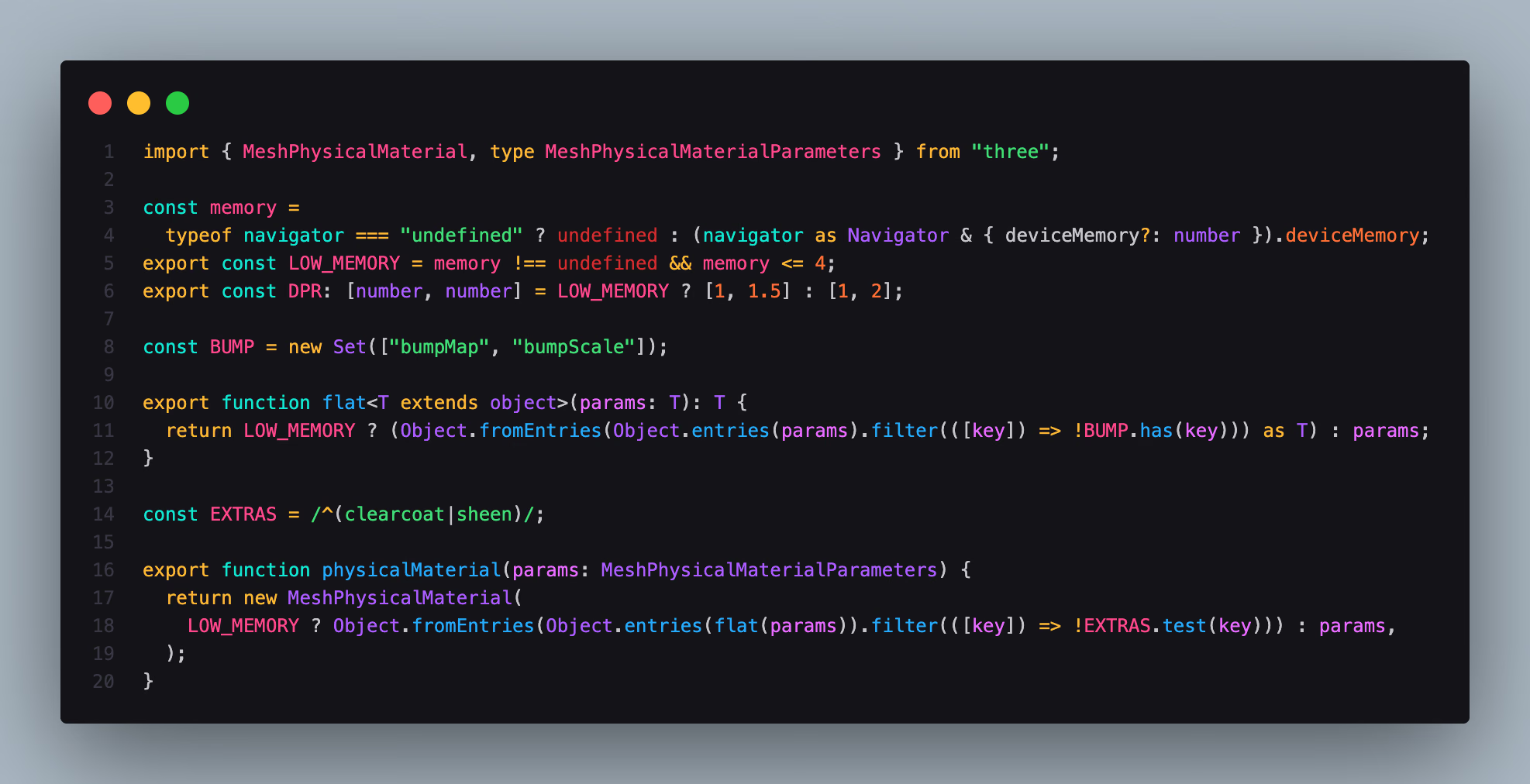
Decision 03, in code
components/rack/device.ts
- Lines 3–4
Reads the device's memory, where the browser exposes it.
- Lines 5–6
4 GB or less turns lite mode on and caps the render resolution at 1.5× instead of 2×.
- Lines 10–19
Every fabric material goes through these, so lite devices never build bump maps, clearcoat or sheen.
Results
- 5saverage first load
- 500cloth points per garment, 252 on phones
- 120 Hzphysics steps, off the main thread
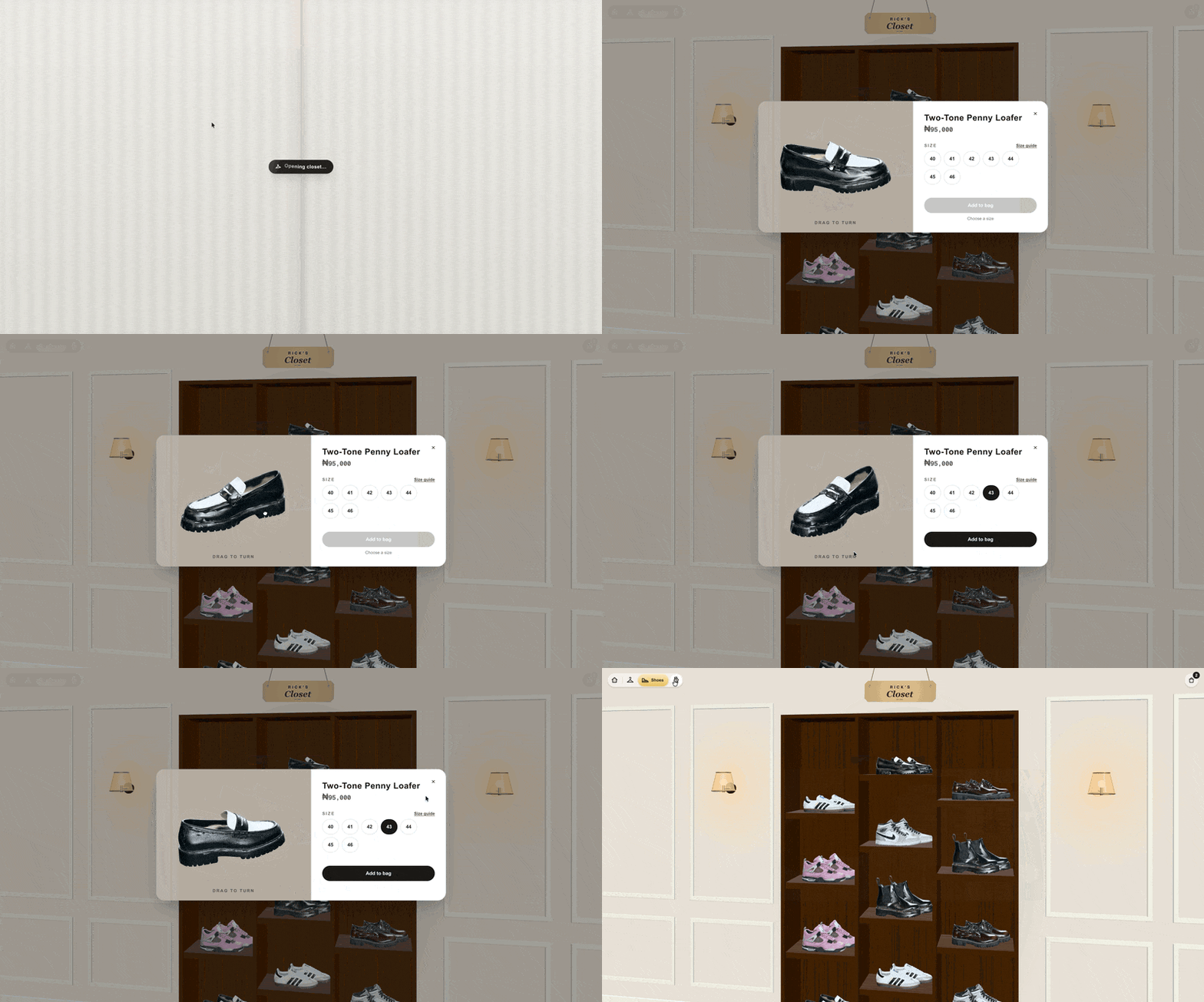
- 3rooms: clothes rail, shoe wall and watch box
Screens